Page error
Introduction
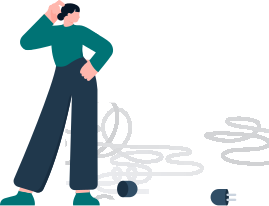
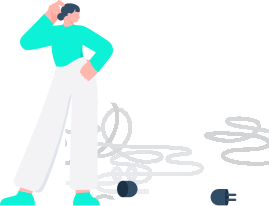
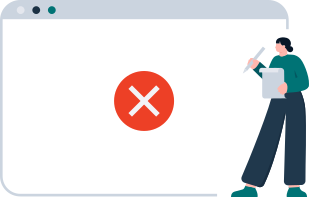
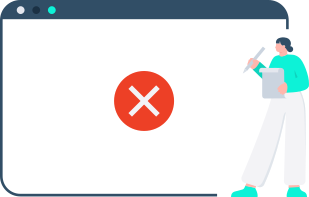
Page errors occur when an entire page or view cannot be displayed due to a critical system, permission, or resource issue. These errors typically interrupt the user's workflow and require special handling to clearly communicate the problem and provide recovery options.
Common page error types include:
404 - Not Found
This error occurs when the requested page or resource cannot be located. It may be caused by a broken link, an incorrect URL, or a page that has been moved or deleted.
403 - Forbidden
This error indicates that the user does not have permission to access the requested page or resource.
Generic Errors
Generic errors are used when the exact cause of the issue cannot be determined or does not fall into a specific category.
Failed to load data
This error appears when requested data cannot be retrieved, typically due to a network issue or a temporary server problem. Include a brief description explaining what went wrong. For compact layouts, use a shortened version of the description in a tooltip. Display the error inline, exactly where the missing data would normally appear, while keeping the rest of the page fully functional.
Compact
The compact variant is typically used in smaller spaces, such as sections or widgets.
Regular
The regular variant is intended for larger areas, such as full-page views or primary content panels.
Figma components
There are pre-designed components available in Figma to help you implement consistent page errors in your designs: Page error
Code examples
These are simplified examples, in production code you would need to:
- Download error illustration SVG files from SharePoint matching your theme and include them in your project
- Add button actions, or use links styled as buttons for navigation
- Consider centering the content vertically, depending on the layout of your page
HTML